App Development
Explore below my applications! Here you can find my VR experience prototype developed as a distraction therapy for chronic pain patients, a Swift application that demonstrates persistent memory with core data and fractal generator using Python amongst other work.

VR Breathe and Play
Developed using C# in Unity game engine, this project explores how a VR intervention that utilises both distraction and deep slow breathing, could help with managing chronic pain as an alternative to pharmaceutical pain management options.
Two concepts were developed, one which uses game-like elements as a distraction-based intervention, Water. The other, Fly, encourages slow deep breathing as a relaxation intervention. The design takes into account latency, multimodality and user movement in VR to reduce potential VR sickness. Please find example scripts on GitHub for this project.
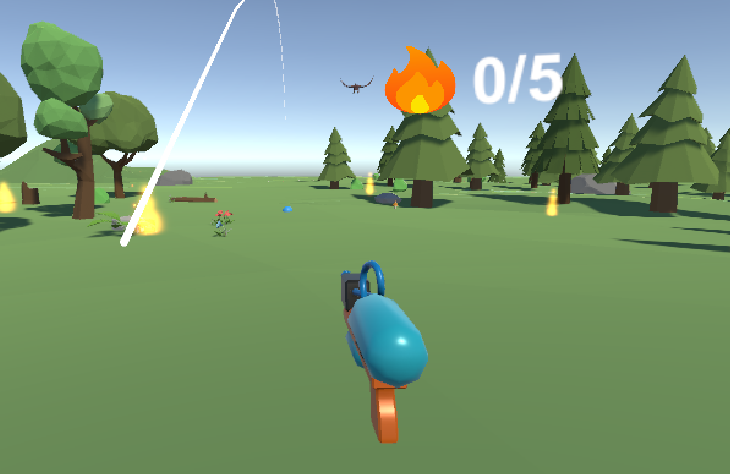
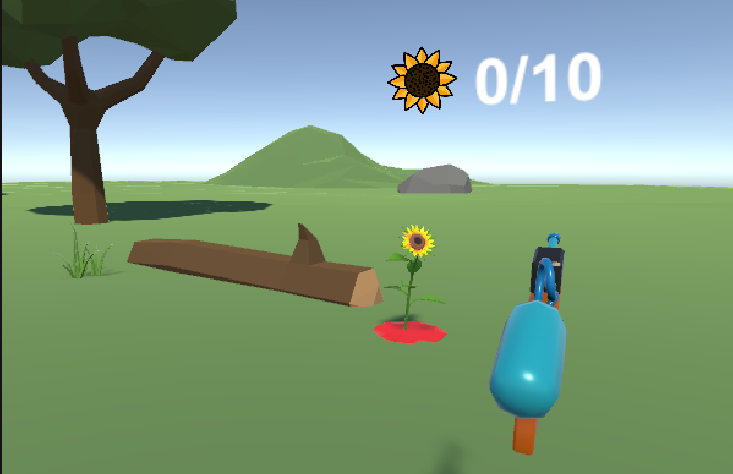
Game 1: Action-based game Water
The game flow of Water is to extinguish flames and water flowers in an immersive VR environment, allowing the user to free form explore using teleportation and snap turning within the game world. Some of the game-like elements are point-scoring systems for how many fires have been put out and how many sunflowers have been watered. The sunflowers will not always be activated in the same spots in the world space.
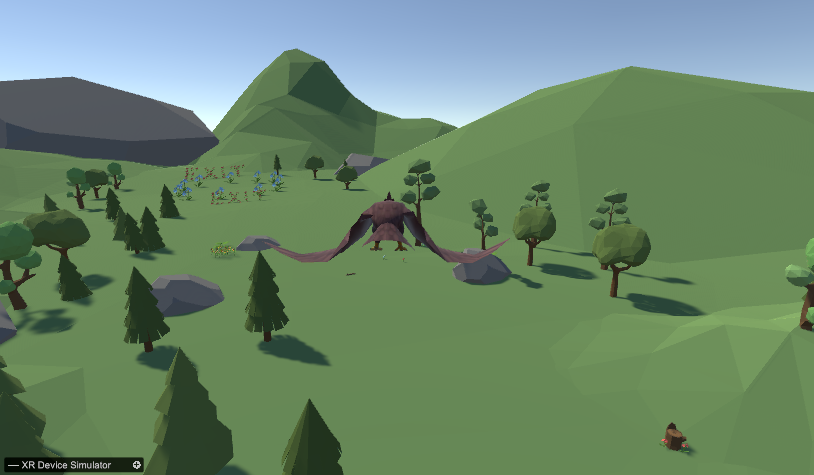
Game 2: Relaxation-based game Breathe and Fly
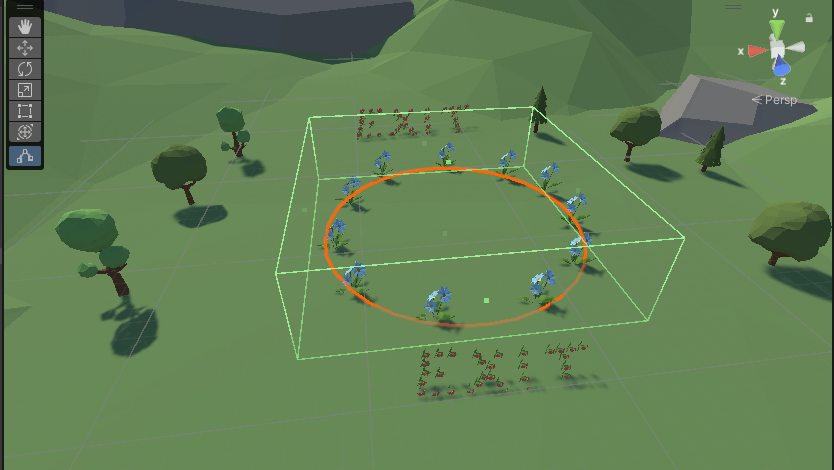
The second experience, Fly, is the relaxation intervention. This experience utilises slow deep breathing. When entering, the user is welcomed with guidance to breathe in and breathe out, where the timing of inhales and exhales follows a low inspiration/low expiration rate for three breathing cycles, after which they are allowed to breathe freely. The user has no other objectives than to fly around and relax in the environment, while still allowing users agency of steering the eagle with head movements. The scene exits when user has landed in the landing pad.
Other technical components
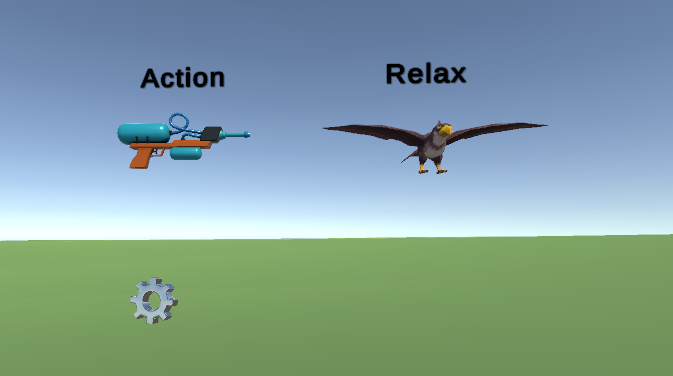
Main Menu
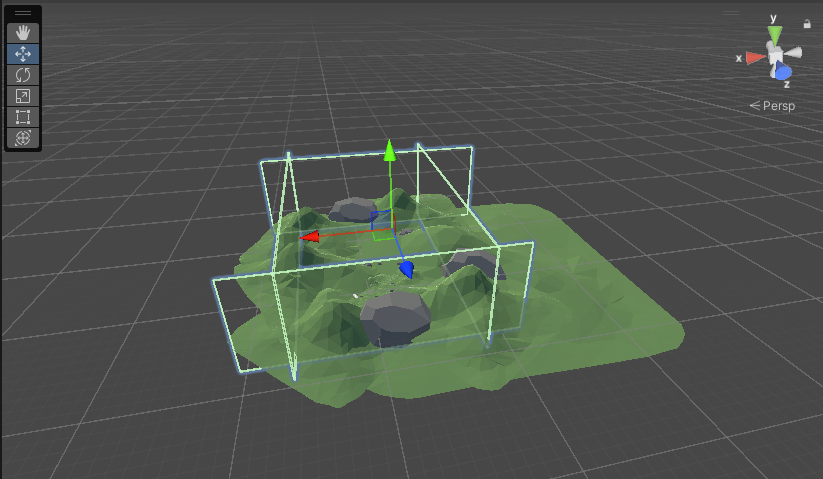
Constraints within the game Breathe and Fly
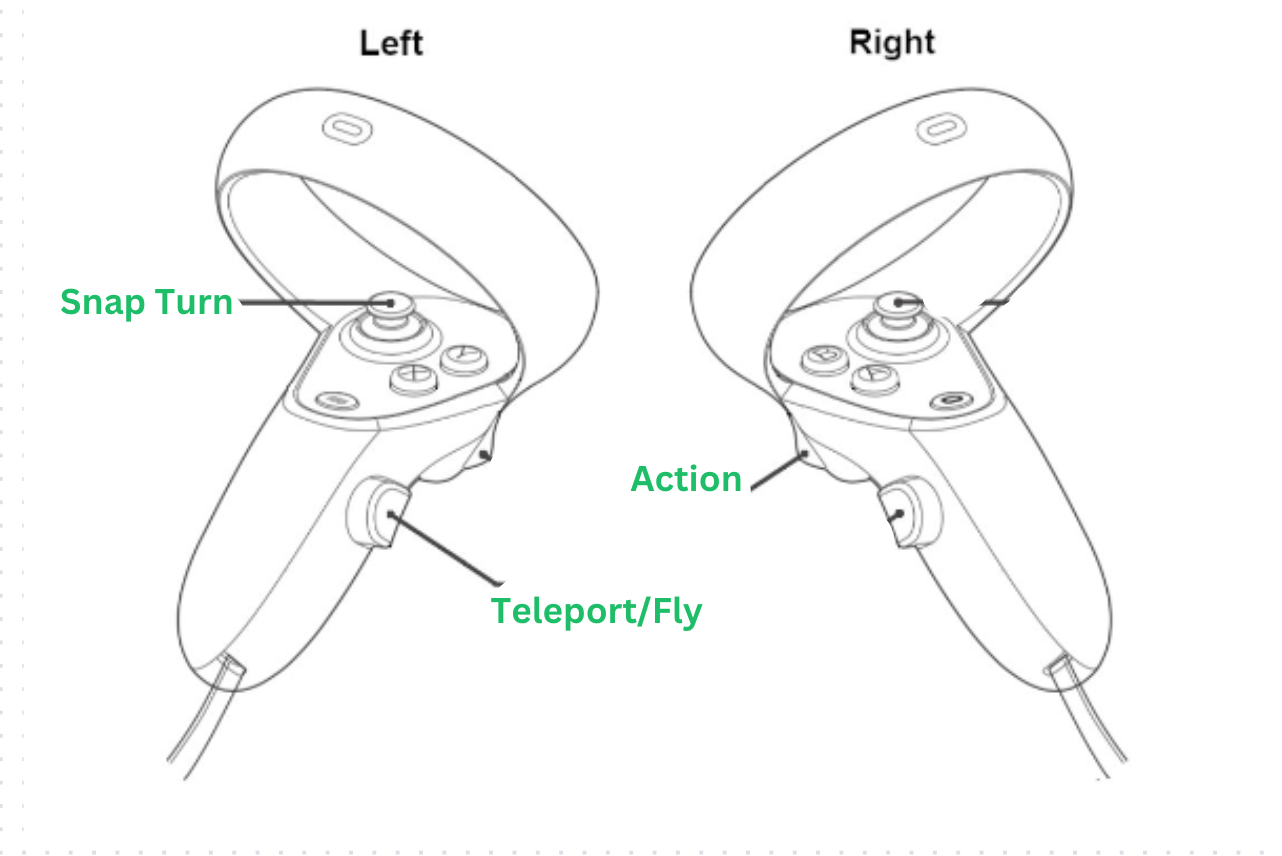
Controller Scheme
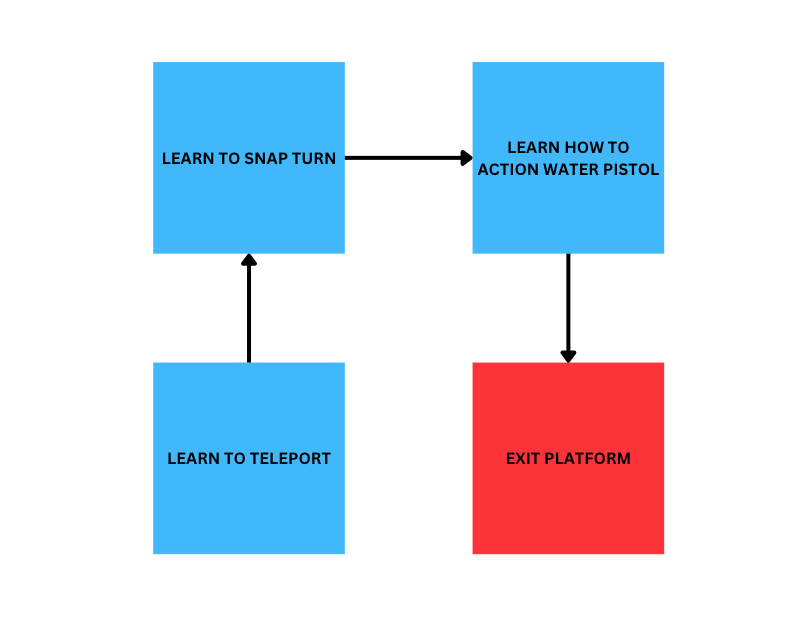
Onboarding tutorial using a square flow
Swift Dog Breed Application
This project was developed on Xcode using Swift with breed information derived from Core Data. You can add, delete and modify entities made possible by persistent memory in the application. Check out the project on GitHub.
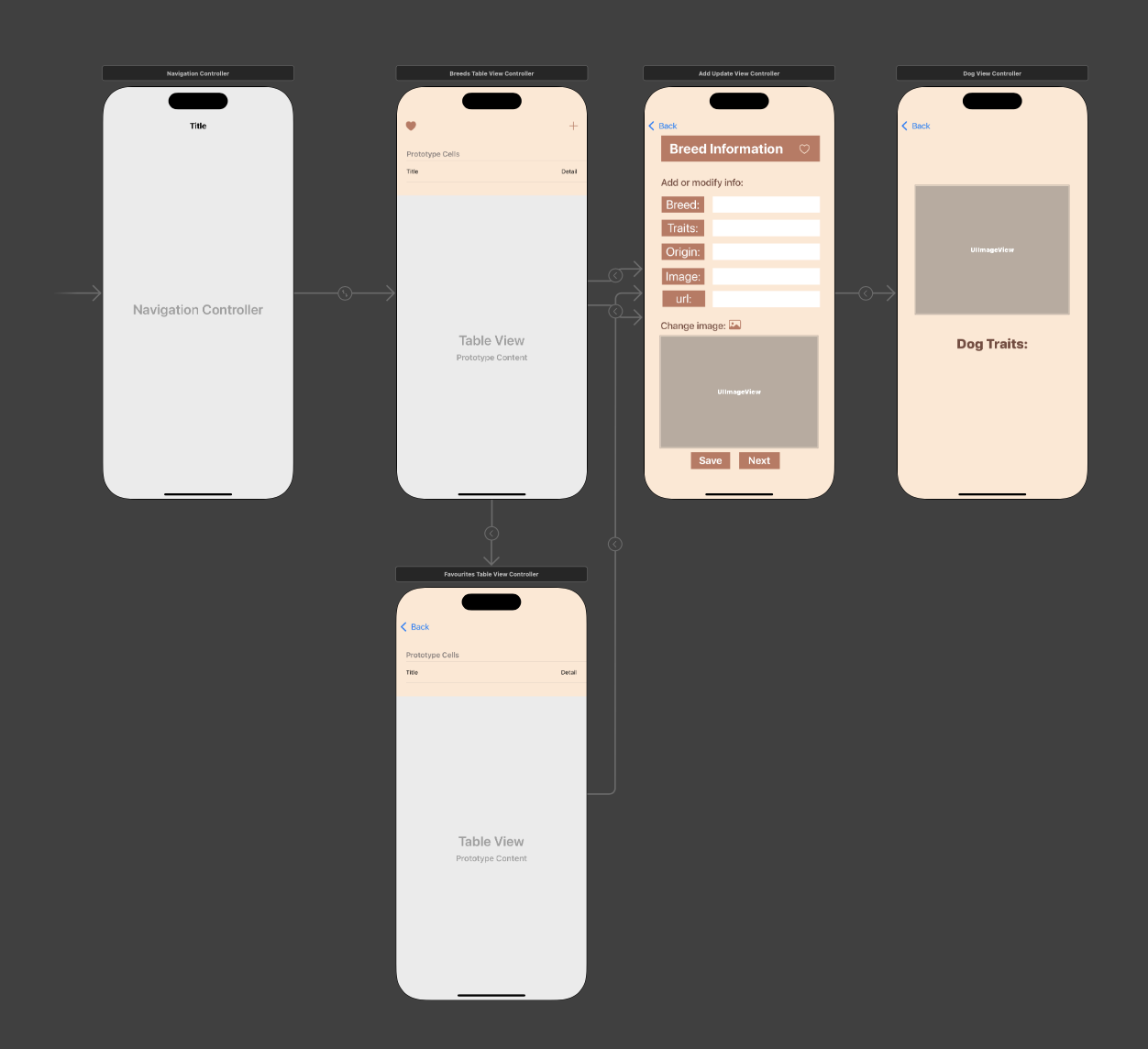
Main Storyboard
Please see the storyboard design into which content will populate depending on the core data inputs.
Application Screenshots
Flash Screen

Application Logo
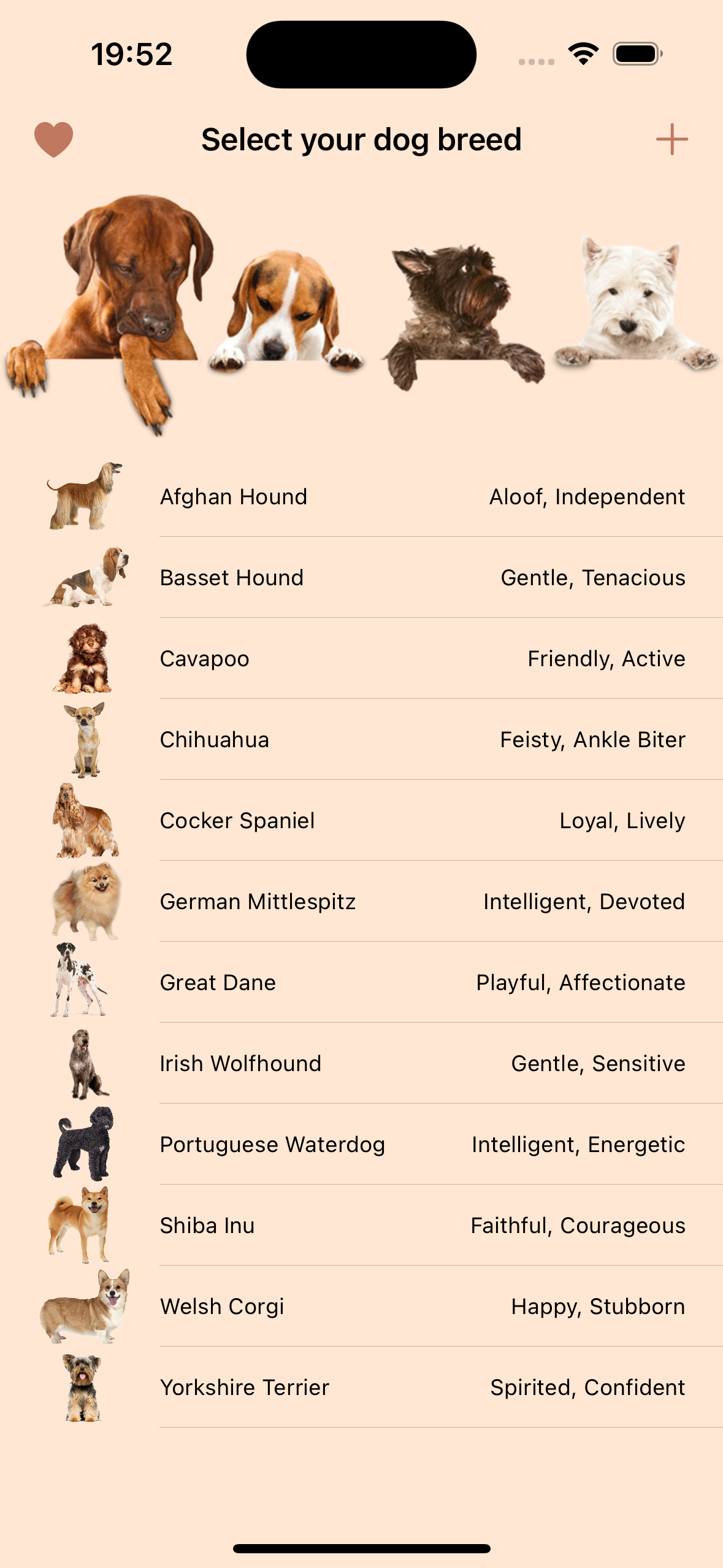
UITableViewController
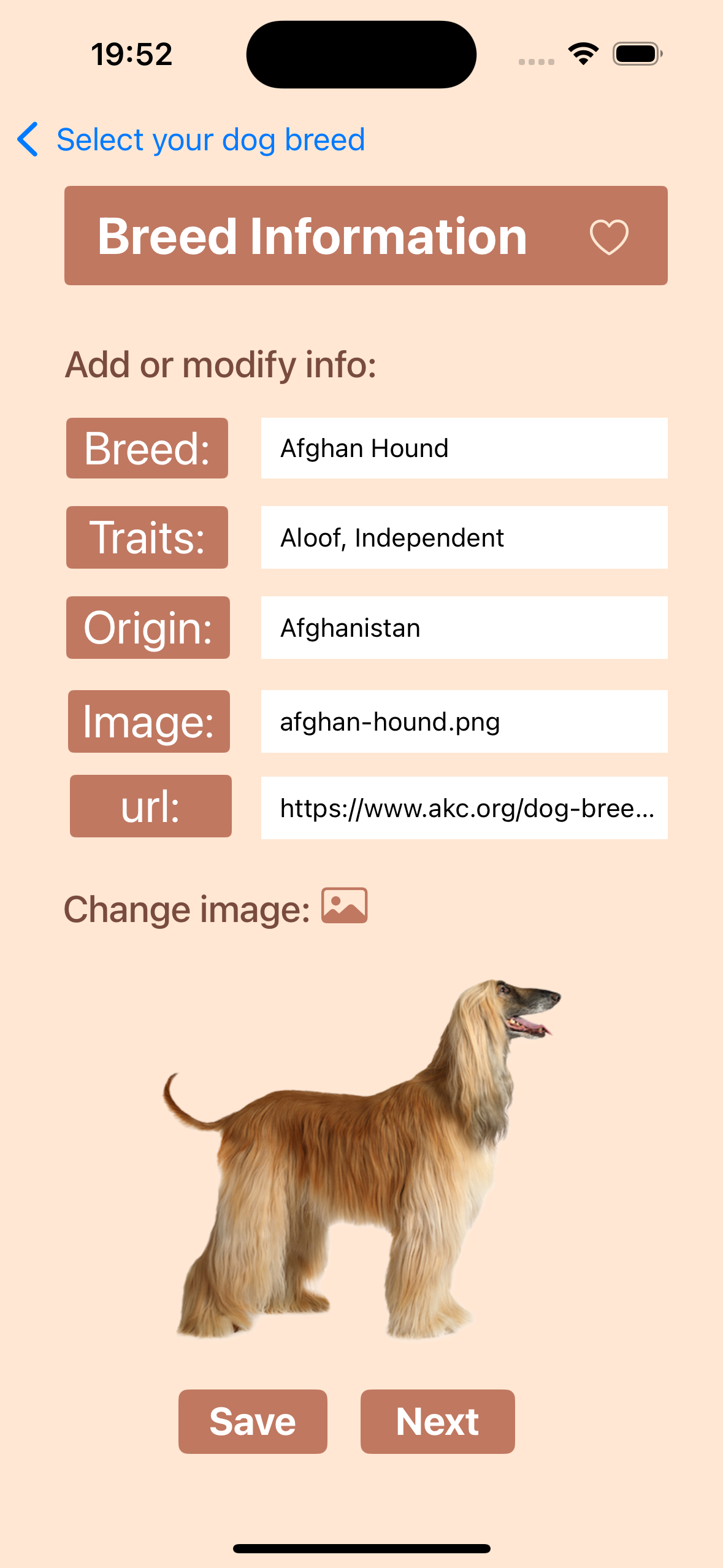
Dog Breed information page from Core Data
Fractals Generator
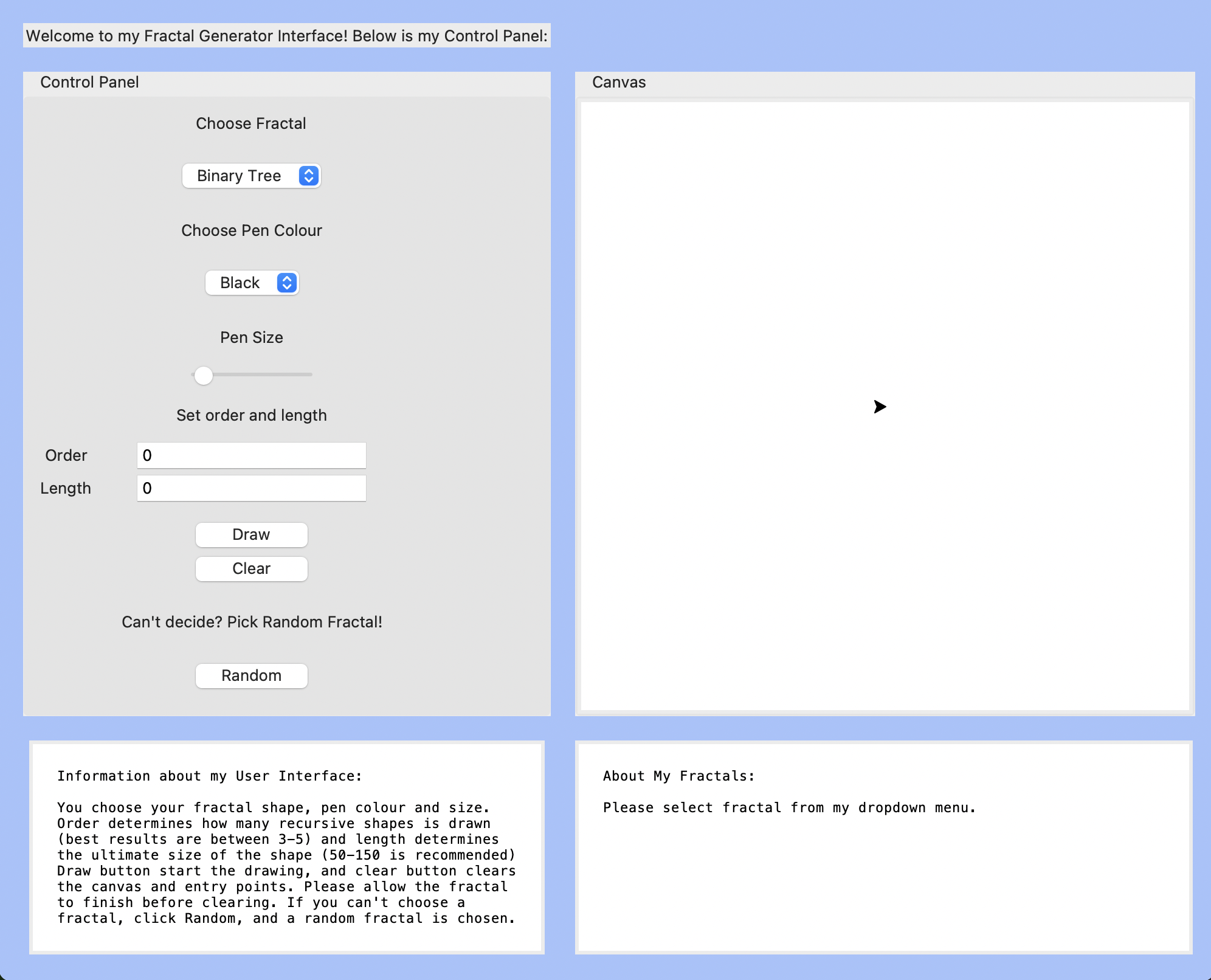
Developed with Python using turtle and Tkinter libraries in Idle, the interface generates different fractals according to user inputs. Play around with it by downloading the project on GitHub.
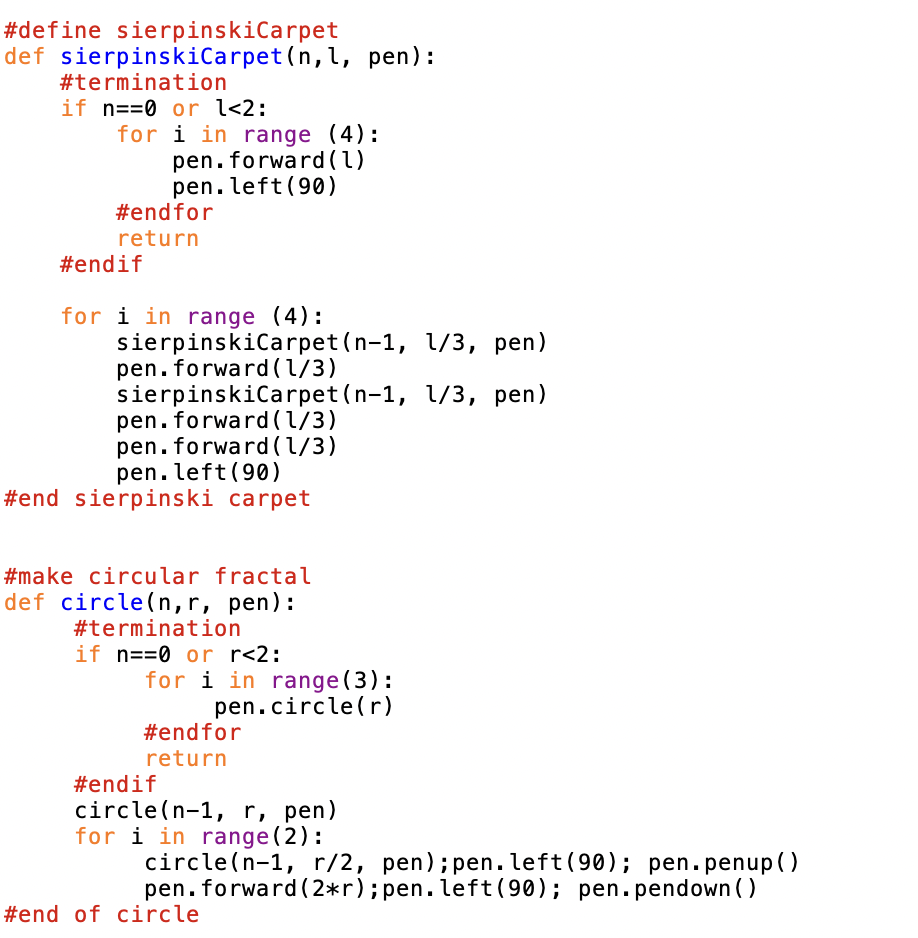
Interface and code example of fractals using turtle.py
In this application you can choose your preferred fractals to draw, colours, sizes, and recursiveness. Or choose random! See code example below on how drawing is implemented using tutle.py